Registering for a User Account
- WOTC Manager login credentials are provided by email from AJLA–TS. Click the link provided in the email, or copy and paste it into your browser and click Enter.
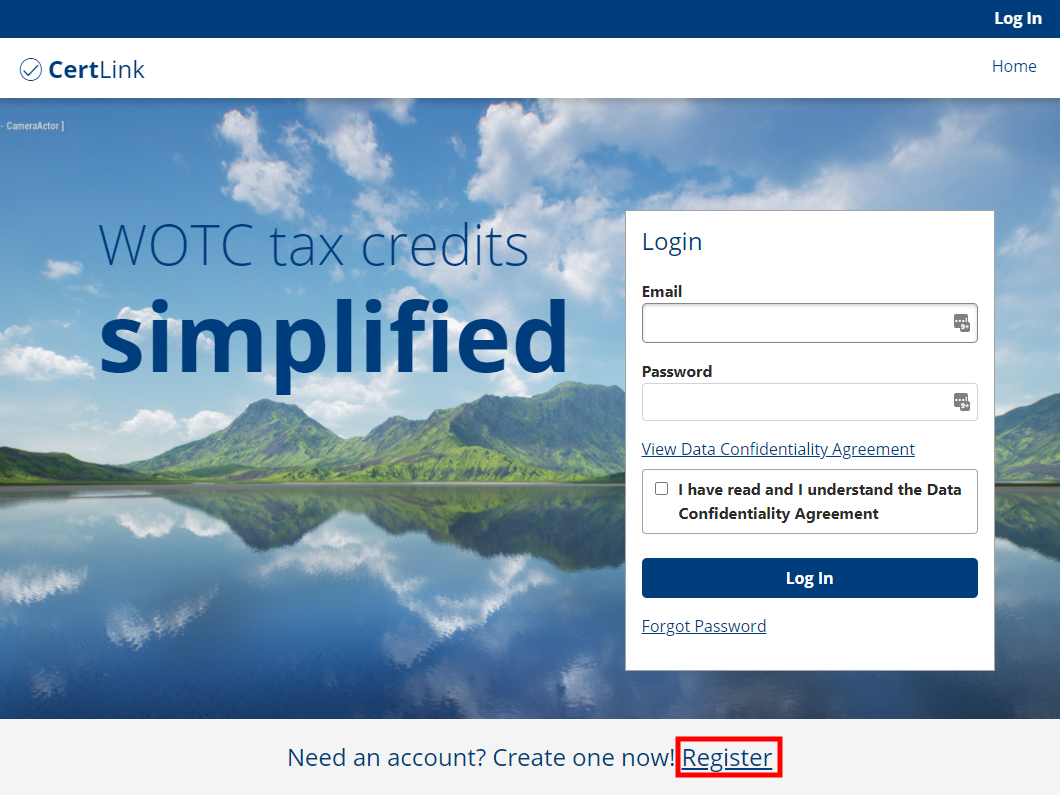
- On the CertLink home page, click Log In, then click Register as a new user? at the bottom of the page. The Register for an Account page displays.
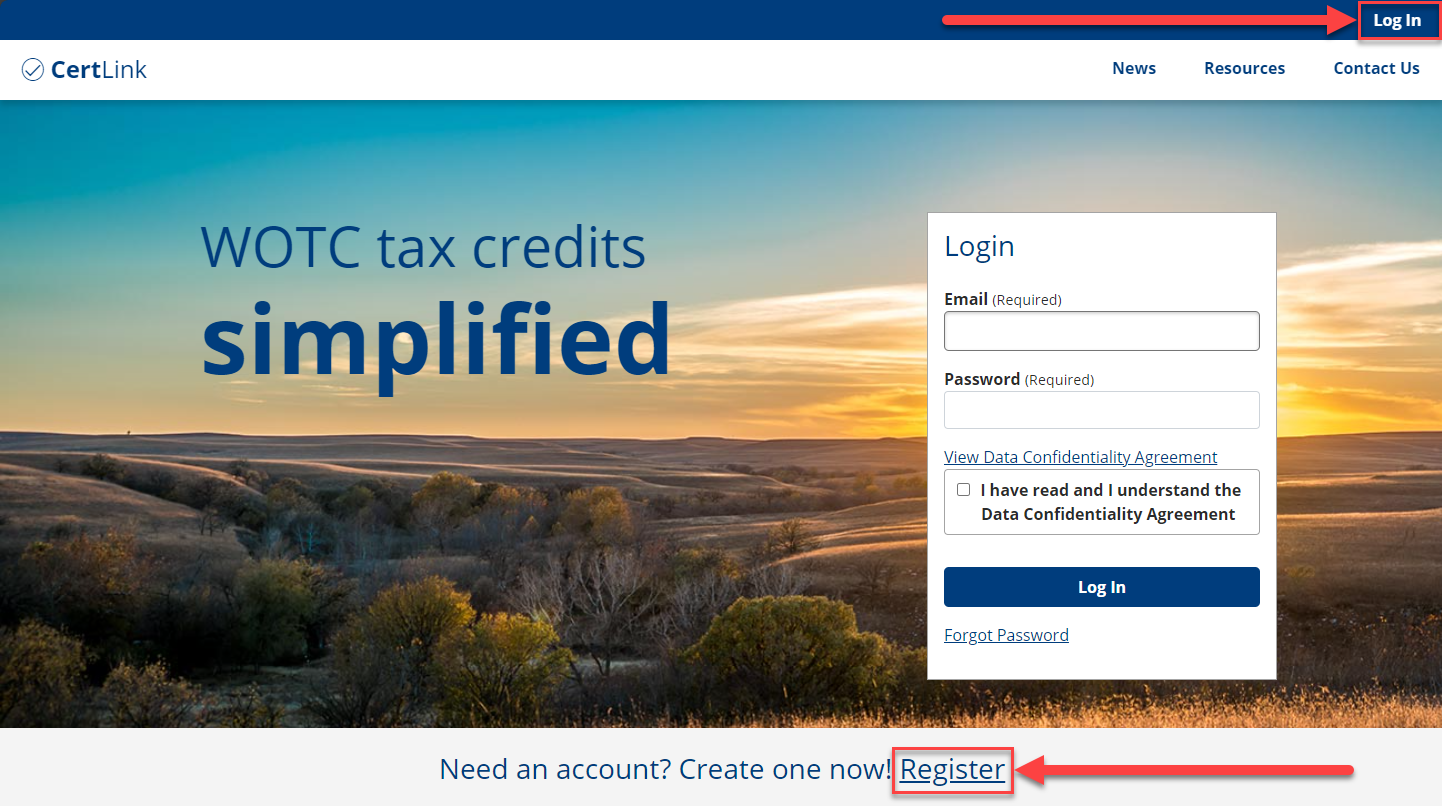
- You can also click Register beside "Need an account? Create one now!" under the banner photo to go directly to the Register for an Account page.
- In the Register for an Account page, enter your contact information in the fields shown, set a security question, security question answer, and password, then click Register. A confirmation message displays and a link to confirm your email is sent to the email you provided. Once you have successfully confirmed your email, you can access the system.
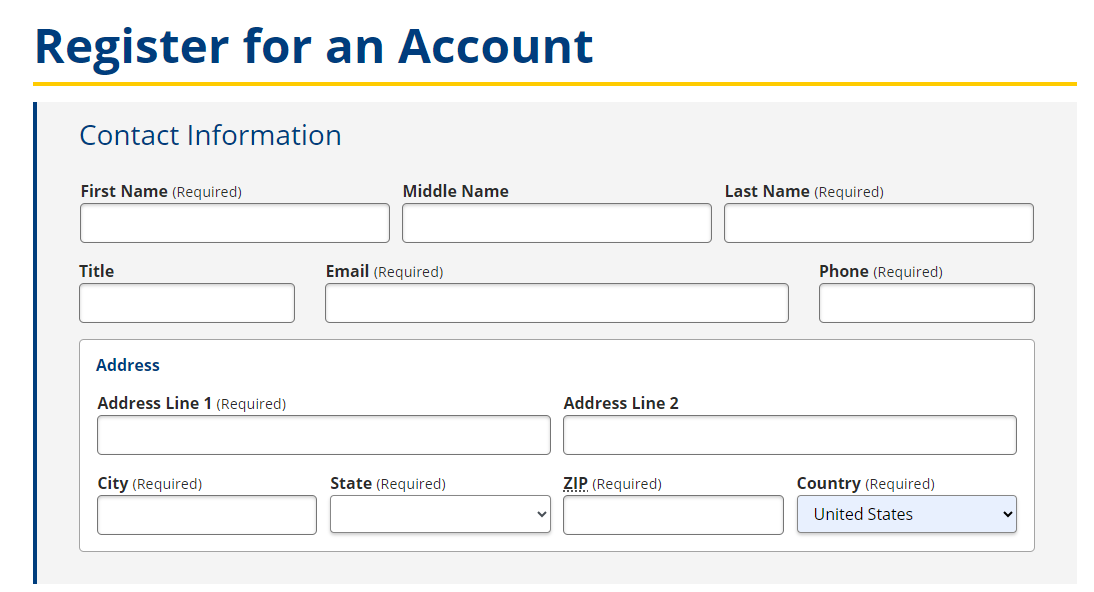
- The email you provide is your username for the system.
- Log into your email account and click the link in the email to confirm your CertLink account registration, then navigate back to the CertLink home page.
- For information on logging in to the system or retrieving a forgotten password, go to Logging In.